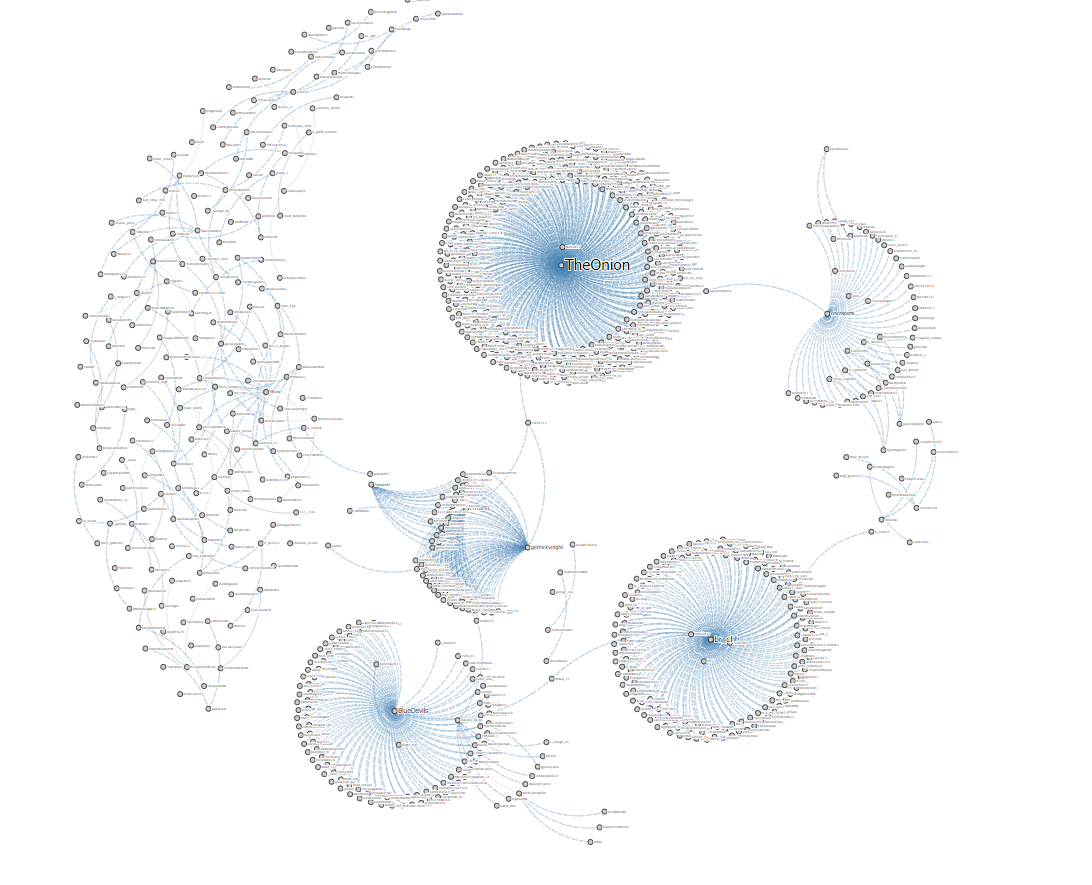
TAGS offers two ways to view and analyze your data, through the TAGS Explorer tool and the TAGS Searchable Archive. In TAGS Explorer, you are looking at your data through an interactive graph of the nodes and edges, or relationships, of your data. My archive contains 972 nodes (users) and 926 edges (connections). Each user is represented by a dot within the graph. This tool allows you to see the top tweeters in your archive, these are the accounts that tweeted the most to the least about the topic. Also, it gives you the top hashtags of the data, ranking them from the most to the least. TAGS Explorer can show you the top conversationalists, which are ranked from most to least of the users who are mentioned or mention others in the data set. By clicking on the mentions or retweets filters, TAGS will formulate the connections between the users. If you choose the mentions option, the graph will change so you can visualize the relationships between the users. With my TAGS Explorer data, it formed four different size circles with the dots representing each user. In the middle of each circle is the account handle that made the original tweet, connected around that user is every user in the archive that mentioned or commented on that original tweet. Branched off of these large circles are users that mentioned other tweets from another user or just one on one connections between two accounts. The retweet option serves the same purpose except it focuses on what the users retweeted within the archive instead of mentions. Below is an image of my own TAGS Explorer Data that provides a good example of what I am trying to portray. Feel free to click on that image to see it full sized because it looks small on the page.
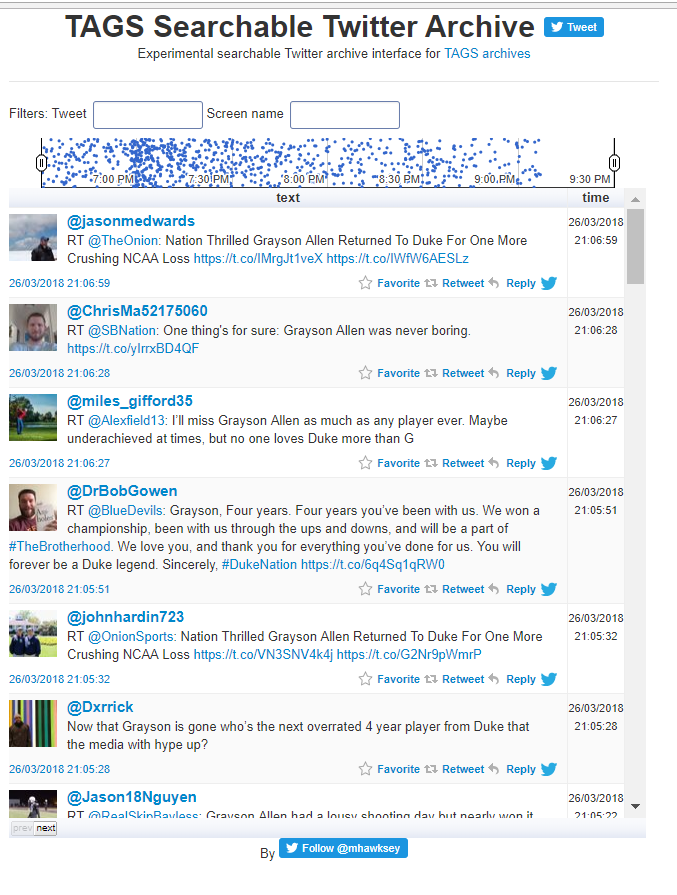
TAGS Searchable Archive shows every tweet from your data set providing you with an interactive display where you can search through user handles. It allows you to see the profile picture of the user, their account handle, the content of their tweet and the exact time it was tweeted.